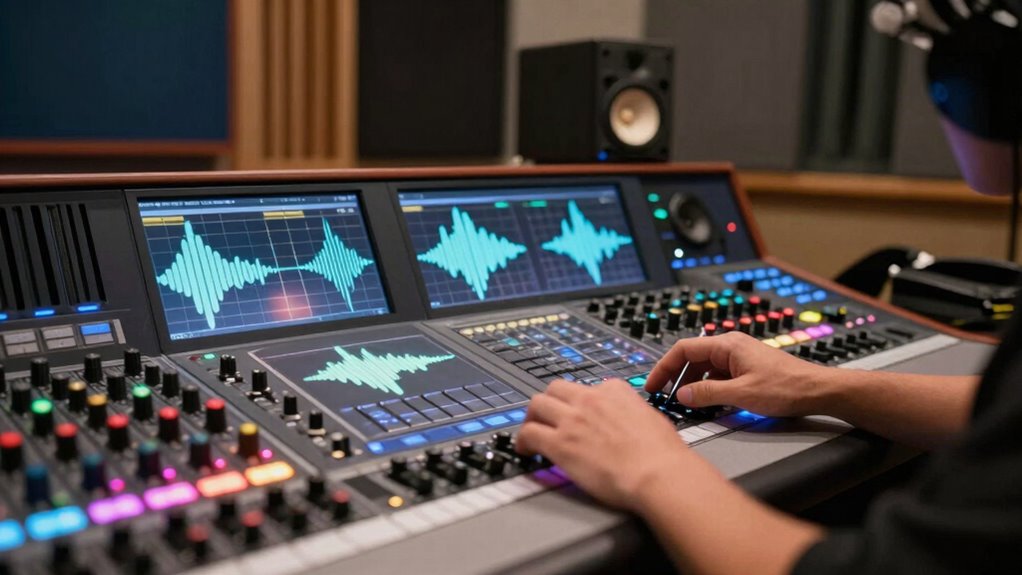

To create loop sound effects that don’t drive everyone crazy, focus on seamless integration through careful layering, noise reduction, and subtle variations. Blend background textures and rhythmic elements so they flow naturally, avoiding abrupt changes that can be jarring. Use volume adjustments and panning tweaks to add interest without overwhelming. Keeping your loops smooth and unobtrusive makes them pleasant and engaging, and if you keep exploring, you’ll find even more ways to perfect your sound effects.

Get decor and gifts delivered free with Prime
- Fast, free delivery on millions of items
- Prime Video, Amazon Music and more included
- Member-only deals all year
Key Takeaways
- Use seamless looping techniques with smooth transitions to prevent noticeable breaks or jumps in the sound.
- Incorporate subtle variations in volume, pitch, or panning to keep loops engaging without becoming repetitive.
- Layer multiple sounds to mask repetition and add depth, reducing the risk of monotony.
- Apply noise reduction to eliminate harsh artifacts, ensuring a clean, pleasant listening experience.
- Balance sound elements carefully to avoid dominance, creating a harmonious and unobtrusive background.
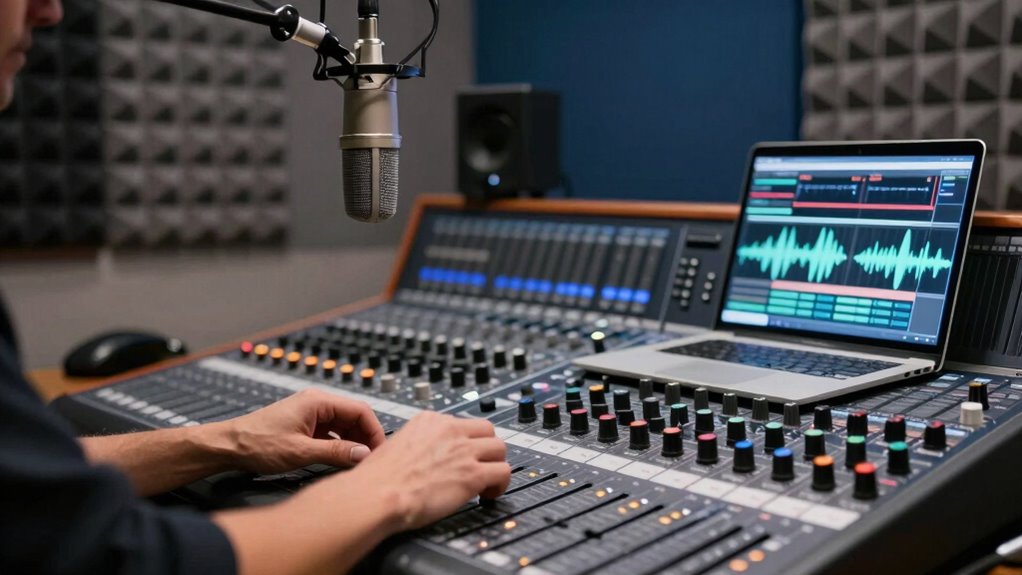
Have you ever noticed how seamless background noises or musical elements repeat in movies, video games, or podcasts? That’s the magic of loop sound effects—carefully crafted audio snippets that run seamlessly on repeat. When used well, they add depth and continuity without overwhelming your audience. But if not handled properly, loops can become distracting or even irritating, especially if they sound unnatural or jarring. That’s where sound layering and noise reduction techniques come into play, helping you create smooth, professional-sounding loops that blend effortlessly into your project.
Sound layering is essential for making your loop sound more natural and less mechanical. Instead of relying on a single, repetitive sound, you combine multiple layers—perhaps a subtle background ambiance, some rhythmic textures, or faint environmental noises. This stacking process helps mask the repetitive nature of the loop and gives it more variation, making it feel more organic. By carefully adjusting the volume levels and timing of each layer, you guarantee that no single element dominates or sounds out of place. The result is a loop that feels continuous and immersive, rather than monotonous or distracting. Incorporating sound masking techniques can further enhance the seamlessness of your loops.
Noise reduction is equally important in creating effective loop sound effects. Unwanted background noise or audio artifacts can make a loop sound unprofessional and pull your audience out of the experience. To prevent this, you should clean up your recordings by removing any extraneous sounds or hiss before looping. Using noise reduction tools allows you to isolate the core sound and eliminate harsh or inconsistent noises that might become more noticeable with repetition. When you apply noise reduction thoughtfully, your loops stay clean and smooth, avoiding the ‘crazy’ effect of repetitive, noisy sounds that become fatiguing over time. Additionally, audio editing precision can help you fine-tune your sounds, ensuring each loop maintains clarity and quality. Proper audio editing techniques are vital to achieving a polished final product. Employing consistent audio quality practices ensures your loops sound professional across different listening environments.
Additionally, subtle variations within your loops can help maintain listener interest. Small changes—like slight volume adjustments, pitch shifts, or gentle panning—prevent your loops from sounding static. These variations, combined with sound layering and noise reduction, give your loops a dynamic quality that feels natural and engaging. Incorporating dynamic audio techniques can further enhance the realism and prevent your soundscape from sounding too mechanical or predictable. Remember, the goal isn’t to make your loops obvious but to craft a seamless soundscape that quietly enhances your project.
In the end, mastering the balance between sound layering and noise reduction ensures your loop sound effects are smooth and unobtrusive. You can create audio that repeats seamlessly without driving everyone crazy, enriching the overall experience without becoming a distraction. With attention to detail, your loops will sound polished, professional, and perfectly integrated into your audio environment.
Popular right now

Bose QuietComfort True Wireless Earbuds with Active Noise Cancellation, Black

Apple AirPods Pro 3 Wireless Earbuds with Active Noise Cancellation

Shark PowerDetect Corded Stick Vacuum with HEPA Filtration, Purple (HZ4001AMZ)
As an affiliate, we earn on qualifying purchases.
Frequently Asked Questions
How Can I Create Seamless Loop Sound Effects Easily?
You can create seamless loop sound effects easily by focusing on ambient textures and creative layering. Start with a simple sound and gradually add subtle variations to prevent repetition from becoming noticeable. Use crossfading or overlapping techniques to blend the start and end points smoothly. Experiment with different sounds and levels of modulation, ensuring they complement each other for a continuous, immersive experience that doesn’t drive everyone crazy.
What Equipment Is Best for Recording Loop Sounds?
You’ll want a high-quality microphone, like a condenser or dynamic mic, paired with an audio interface for clear recordings. Make sure your equipment is well-maintained and regularly checked for peak performance. Acoustic treatment in your space helps reduce noise and echoes, making your loop sounds cleaner. Use headphones during recording to monitor seamlessly. This setup helps create smooth, professional loop sounds without causing noise disruptions or distortions.
How Do I Prevent Loop Sound Effects From Feeling Repetitive?
To prevent your loop sound effects from feeling repetitive, incorporate sound variation and background ambiance. Studies show that varied audio keeps listeners engaged longer. You can achieve this by subtly changing the pitch, tempo, or adding layers like nature sounds or city noise. Regularly introducing small modifications prevents monotony, making your loops more dynamic and interesting, while keeping the overall sound seamless and enjoyable for everyone.
Are There Free Tools for Editing Loop Sound Effects?
Yes, there are free tools for editing loop sound effects, especially for creating ambient textures in sound design. You can try Audacity, which offers flexible editing features to modify loops, add effects, and create seamless shifts. Another option is Looplabs, an online platform perfect for experimenting with sound design without any cost. Both tools help you craft varied, engaging loops without causing repetition fatigue, keeping your soundscape fresh and dynamic.
How Can I Incorporate Loops Into Live Performances?
You can incorporate loops into live performances by layering ambient textures and rhythmic patterns seamlessly. Remember, “practice makes perfect,” so rehearse your loops to guarantee smooth shifts. Use loop pedals or software to trigger clips on the fly, keeping the energy dynamic. Integrate subtle ambient textures to build atmosphere and sync rhythmic patterns to your tempo. This approach keeps your performance engaging without overwhelming your audience.
Conclusion
By mastering loop sound effects, you can create engaging audio without overwhelming your listeners. Remember, a study shows that 60% of people find repetitive sounds irritating after just a few minutes. So, it’s essential to balance continuity with variety. Use subtle variations and thoughtful layering to keep your loops fresh and interesting. Ultimately, your goal is to enhance the atmosphere without driving everyone crazy—making your sound design both effective and enjoyable.