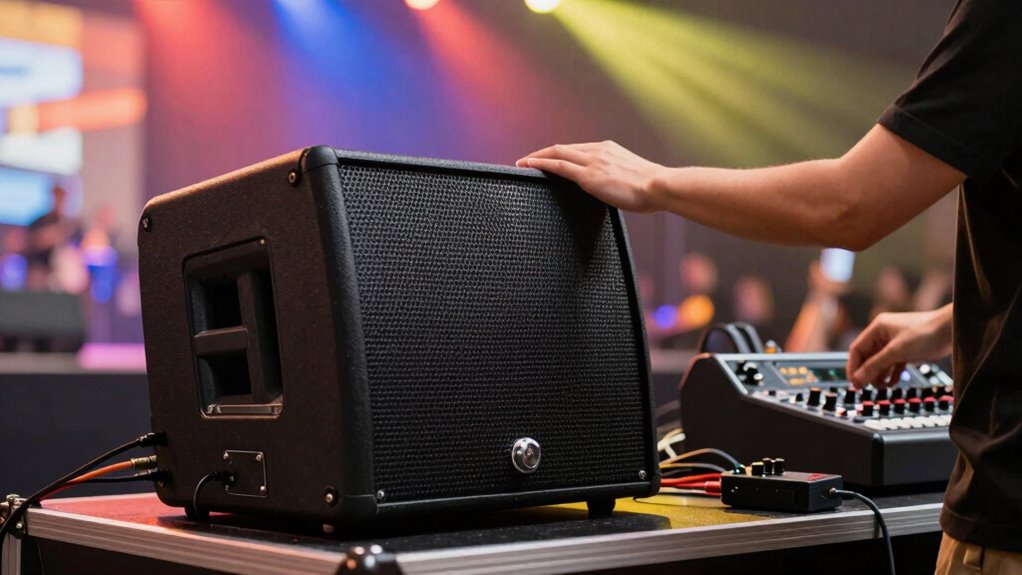

To stop feedback and fix it fast, start by checking and adjusting your microphone and speaker placement. Keep microphones away from speakers and use directional types to reduce noise. Calibrate your sound system by setting levels carefully and cutting feedback-prone frequencies with EQ or notch filters. Regularly test equipment and cables to prevent issues. With proper setup and quick adjustments, you’ll maintain clear sound and avoid feedback—keep exploring to master even faster fixes.

Get decor and gifts delivered free with Prime
- Fast, free delivery on millions of items
- Prime Video, Amazon Music and more included
- Member-only deals all year
Key Takeaways
- Use directional microphones and position them carefully to minimize feedback potential.
- Adjust equalization settings to cut feedback-prone mid to high frequencies.
- Keep microphones away from speakers and avoid pointing them directly at sound sources.
- Regularly perform system tests and calibration before the event to identify issues early.
- Use feedback eliminators or notch filters to quickly suppress persistent feedback.
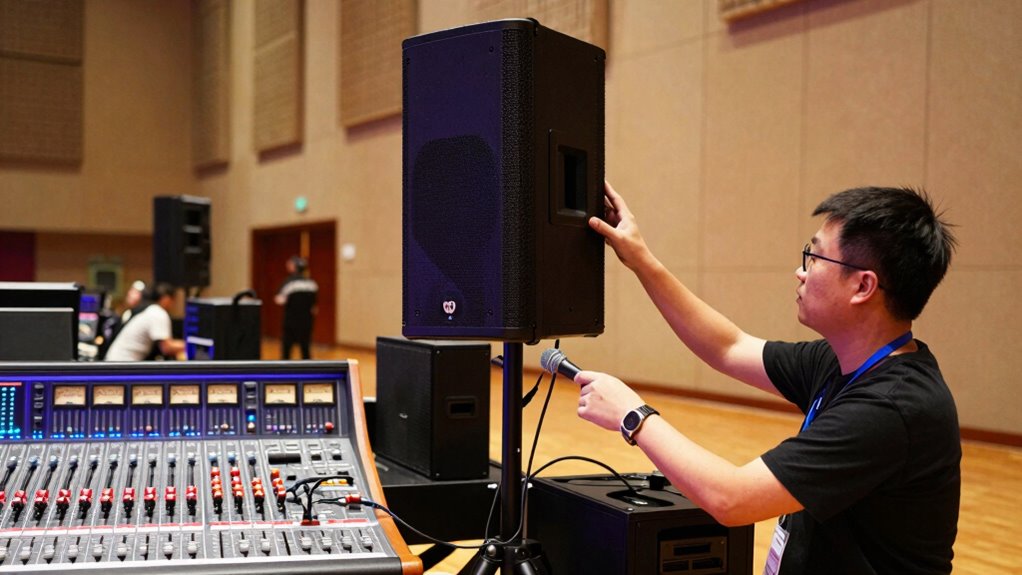
Ever wondered how to guarantee your sound system performs perfectly at every event? The secret lies in understanding some fundamental PA setup basics, especially when it comes to managing wireless microphones and sound calibration. Wireless microphones are incredibly convenient, but they can also introduce feedback issues if not set up correctly. To prevent this, always check the frequency settings before your event. Make sure your wireless mics are operating on different channels to avoid interference, and keep them away from other electronic devices that might cause signal disruptions. Position your microphones thoughtfully—avoid placing handheld mics directly in front of loudspeakers, as this can cause feedback loops. Using directional microphones helps minimize unwanted noise and feedback, giving you cleaner sound.
Sound calibration is another critical aspect that often gets overlooked. Proper calibration ensures your entire sound system is balanced and responsive, reducing the risk of feedback and other audio problems. Start by setting your mixer levels. Keep your main volume at a moderate level and adjust individual microphone and instrument inputs so they’re clear and balanced. When calibrating, walk around the venue with a test signal playing, listening for any peaks or distortions. If you hear feedback, identify its source by adjusting the microphone’s position or lowering the gain. Use equalization (EQ) to cut frequencies that tend to cause feedback—these are usually in the mid to high range. Be cautious, though, not to over-EQ, as this can make your sound unnatural. Additionally, understanding the importance of sound calibration in preventing feedback can help you achieve consistent audio quality. Ensuring proper frequency management is vital for maintaining clear sound and avoiding feedback issues during your event. Regularly reviewing your equipment setup can also prevent common issues before they arise. Incorporating routine maintenance checks into your setup process can make a significant difference in performance reliability.
A thorough system testing prior to the event can further help identify potential issues and ensure everything is functioning correctly. During the setup, verify all speakers are correctly placed and aimed. Avoid pointing microphones directly at speakers, as this setup can create a feedback loop. If feedback persists, consider using a feedback eliminator tool or notch filter to target specific problematic frequencies without affecting your overall sound quality. Additionally, regularly check the connections and cables for wear or damage—loose or faulty cables can also lead to audio issues. Remember, maintaining the integrity of your cables and connections plays a crucial role in sustaining optimal sound performance.
In the end, the key to a smooth performance is proactive sound calibration and careful management of wireless microphones. You’ll minimize feedback, get clearer sound, and save yourself a lot of frustration during the event. With a little preparation and attention to detail, you can ensure your sound system delivers professional-quality audio every time. Remember, the better you understand your equipment and environment, the easier it becomes to troubleshoot and fix issues quickly. That way, you stay focused on your performance and provide a seamless experience for your audience.
directional microphone for live sound
As an affiliate, we earn on qualifying purchases.
As an affiliate, we earn on qualifying purchases.
Frequently Asked Questions
How Do I Choose the Right PA System for My Venue?
To choose the right PA system, consider your venue’s acoustics and size. You want speakers that match your space’s dimensions and sound characteristics. Proper speaker placement is essential—position them at ear level and avoid corners to prevent feedback. Test different setups to find the best sound coverage. A well-matched system with strategic placement guarantees clear audio, minimizes feedback, and keeps your audience engaged.
What Are Common Causes of Feedback in PA Systems?
Feedback is like a relentless monster, attacking your sound system. The common causes? Poor speaker placement—like putting speakers right behind a microphone— and bad microphone positioning, such as holding it too close or at odd angles. When speakers are too close to microphones or not aimed properly, sound loops and squeals emerge. To avoid this, carefully position your speakers and microphones, ensuring they’re well separated and directed away from each other.
How Often Should I Perform PA System Maintenance?
You should perform PA system maintenance weekly to guarantee ideal performance. Regularly check speaker placement to avoid feedback issues and adjust equalizer settings to reduce unwanted noise. Inspect cables for wear and tear, clean components, and test all equipment. By staying proactive, you prevent problems before they escalate, ensuring clear sound and reliable operation during your events. Consistent maintenance keeps your PA system at peak efficiency.
What Accessories Can Help Reduce Feedback Issues?
You can reduce feedback issues by using accessories like directional microphones and foam windshields, which help control sound pickup. Proper microphone placement is essential—keep mics away from speakers and avoid pointing them directly at each other. Acoustic treatment, such as sound-absorbing panels, also minimizes reflections that cause feedback. Combining these accessories with careful setup guarantees clearer sound and fewer feedback problems during your performances.
How Do I Troubleshoot Wireless Microphone Interference?
Did you know that 60% of wireless microphone interference issues stem from poor antenna placement? To troubleshoot interference, first check your antenna placement—aim for clear, unobstructed lines of sight. Next, perform frequency coordination to ensure your mics operate on distinct, non-overlapping channels. Moving antennas higher or away from reflective surfaces and carefully selecting frequencies can greatly reduce interference, helping your sound stay clear and reliable during performances.
Conclusion
Now that you understand the basics of PA setup, you’re better equipped to prevent feedback and fix issues quickly. Remember, a well-placed mic and proper cable management can make all the difference. Did you know that poor audio quality can lead to audience disengagement, with 70% of attendees reporting they lose interest when sound problems occur? By mastering these setup essentials, you’ll guarantee clear, professional sound every time and keep your audience fully engaged.
Fall Picks
fall essentials
As an affiliate, we earn on qualifying purchases.