You should never use a microphone cable for lighting control or a DMX cable for audio because they are designed for different signals—analog versus digital. Using the wrong type can cause noise, poor performance, or even damage your equipment. DMX cables are shielded twisted pairs for precise digital signals, while mic cables focus on maintaining sound clarity. Keep your gear functioning properly and performance smooth—stick to the correct cables to avoid risks. Find out more about how they differ.
Listen free for 30 days with Audible
Thousands of audiobooks and originals — cancel anytime.
As an affiliate, we earn on qualifying purchases.
Key Takeaways
- DMX cables transmit digital signals for lighting, while microphone cables carry analog audio; using the wrong one causes performance issues.
- Proper shielding in each cable type prevents interference, ensuring reliable lighting control or clear audio.
- Connecting microphone cables to lighting fixtures won’t control lights and may damage equipment.
- Using DMX cables for audio signals can lead to noise, weak signals, or sound distortion.
- Matching the correct cable type ensures stable, professional performance of lighting and audio systems.
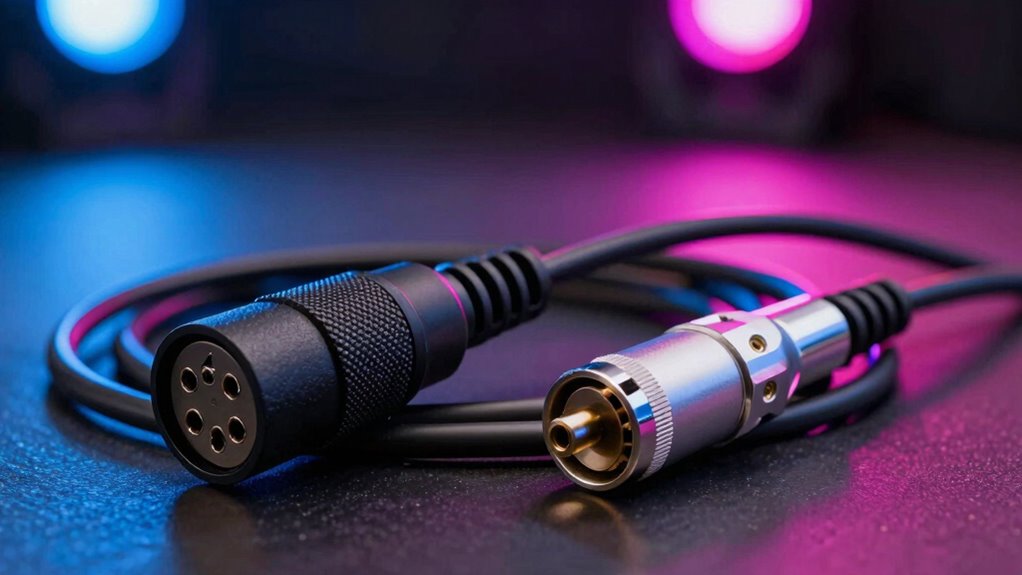
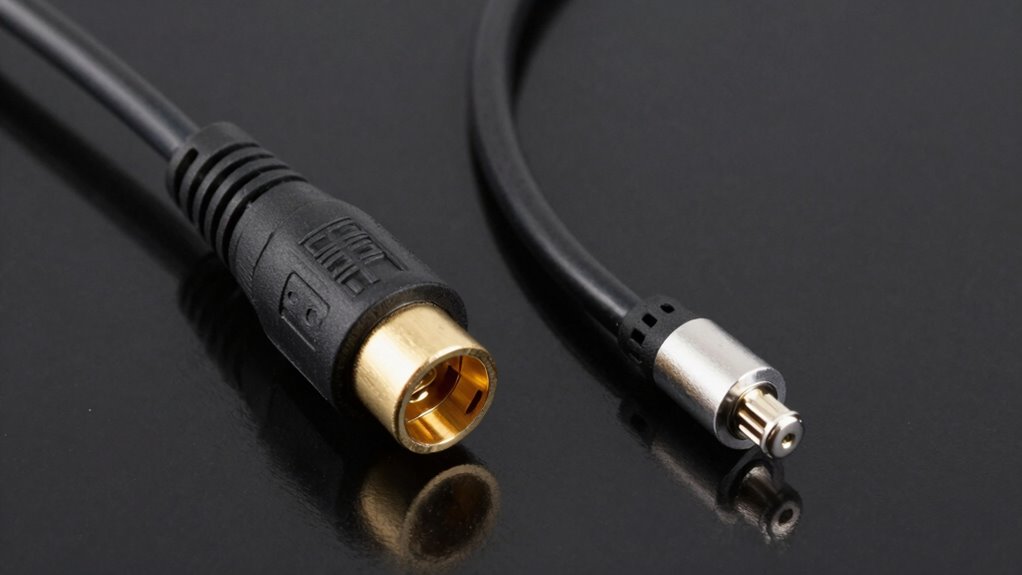
When setting up audio or lighting equipment, it’s important to understand the difference between DMX cables and microphone (mic) cables, as they serve different purposes. Using the correct cable is essential for maintaining proper lighting control and ensuring audio signal quality. Although they might look similar — both are often thin, flexible cables with connectors at each end — they’re designed for very different roles.
DMX cables are specialized for lighting control. They transmit digital signals that coordinate stage lights, effects, and other visual elements. These signals are fast and reliable, allowing precise control over complex lighting setups. When you use a DMX cable, you’re ensuring that your lighting fixtures communicate seamlessly with your lighting console or controller. Using a microphone cable for lighting control not only risks poor lighting performance but could also cause signal interference or loss, disrupting your entire show. The design of DMX cables, especially their shielded twisted pair wiring, helps prevent electrical noise from interfering with the digital signals, which is *essential* for stable lighting operation. Properly matching cables to their intended purpose is key to avoiding technical issues during a performance. Additionally, the shielding in DMX cables is specifically engineered to prevent electromagnetic interference that can corrupt digital signals.
On the other hand, microphone cables are tailored for carrying audio signals. They transmit analog signals from microphones or other audio sources to mixers, amplifiers, or recording devices. The main goal here is to preserve audio signal quality, avoiding any noise or distortion that could compromise sound clarity. Microphone cables typically use XLR connectors, which provide a secure connection and help reduce electromagnetic interference. Using a DMX cable for audio can lead to poor sound quality, weak signals, or noise, because DMX cables aren’t designed to handle analog audio signals. Conversely, plugging a microphone cable into a lighting fixture won’t work for lighting control purposes and can even damage the equipment. Additionally, proper shielding in microphone cables helps prevent electromagnetic interference, maintaining clear audio signals.

Cable Matters 2-Pack Premium XLR to XLR Cable, Microphone Cable, M-F, 6ft
- Professional Audio Quality: High-quality 3-pin XLR connectors for clear sound
- 2-Pack Bundle: Includes two 6ft XLR cables for versatility
- Enhanced Sound Clarity: 21 AWG oxygen-free copper conductors for pristine audio
As an affiliate, we earn on qualifying purchases.
As an affiliate, we earn on qualifying purchases.
Frequently Asked Questions
Can DMX Cables Be Used for Audio Signals?
No, DMX cables shouldn’t be used for audio signals because of lighting protocols and signal compatibility issues. DMX cables are designed specifically for digital lighting control, with a different wiring standard than mic cables. Using them for audio can cause interference or signal loss. Stick to proper mic cables for audio, and reserve DMX cables for lighting control to guarantee reliable operation and prevent damage.
Are DMX Cables More Expensive Than Microphone Cables?
DMX cables are generally more expensive than microphone cables, mainly due to their specialized design and higher cable durability needed for lighting control signals. You’ll find that the price comparison reflects these differences, with DMX cables costing more because they’re built to withstand more rigorous use and interference. If you’re prioritizing cable longevity and reliable signal transmission, investing in DMX cables is worthwhile despite the higher price.
How Long Can DMX Cables Be Without Signal Loss?
Imagine you’re setting up lighting effects for a concert, and you wonder how long your DMX cable can be without losing signal. Typically, DMX cables can run up to 150 feet without significant signal loss, but beyond that, signal integrity may suffer. To guarantee flawless lighting effects, keep the cable length within this limit or add a DMX booster. Proper cable length is key to maintaining reliable signal quality.
Do All Microphone Cables Support Phantom Power?
Not all microphone cables support phantom power, as microphone compatibility depends on the cable’s design. Most microphones that require phantom power need a cable with three conductors (XLR cables are common). If your microphone needs phantom power, make certain your cable and equipment are compatible. Using incompatible cables can lead to poor sound quality or damage. Always check the microphone’s phantom power requirements and choose a cable designed to handle them properly.
Can I Connect a DMX Controller Directly to Speakers?
Connecting a DMX controller directly to speakers is like fitting a square peg in a round hole. You can’t use wireless transmission or cable durability to bridge that gap. DMX signals require specialized DMX cables and interfaces to guarantee proper communication, while speakers need audio cables designed for sound. Attempting a direct connection risks damage and poor performance. Always match your cables and connections to the equipment to keep your setup safe and effective.
Conclusion
Remember, choosing the right cable is like selecting the correct key for a lock—each serves its unique purpose. Using a DMX cable for lighting control guarantees your show shines bright, while a mic cable captures your voice with clarity. Don’t let the wrong connection be the chain that holds you back. When you pick the right cable, you’re opening the door to seamless performance and flawless communication—unlock your potential with knowledge and the right tools.
Flea & tick season Picks
flea and tick prevention
As an affiliate, we earn on qualifying purchases.