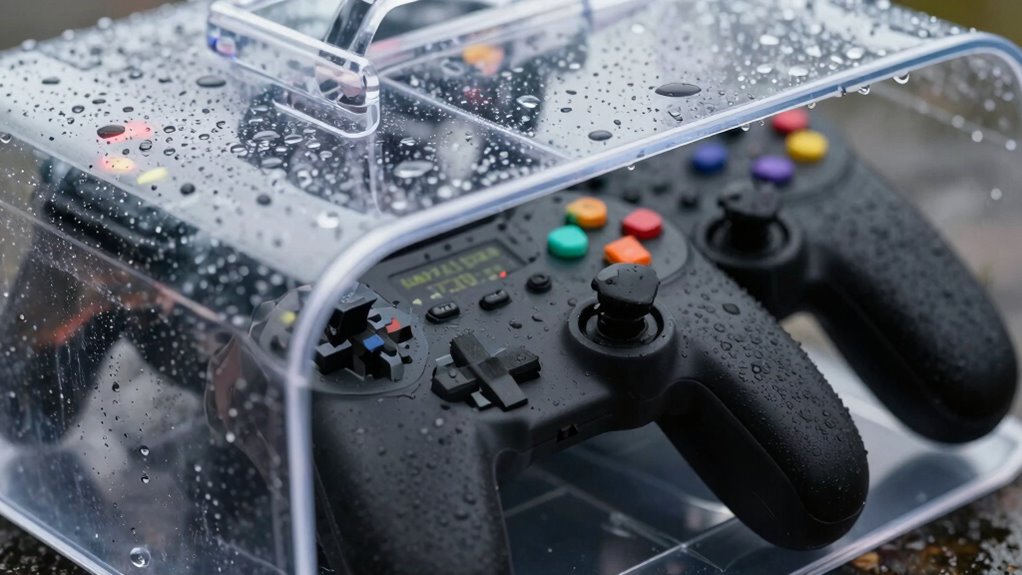
To protect pixel controllers from rain, you should enclose them in weatherproof boxes with a high IP rating (like IP65 or higher). Make sure all openings, including cable entries, are properly sealed. Use durable, waterproof materials, and add ventilation or desiccant packs to prevent moisture buildup inside. Mount controllers in shaded spots to reduce heat and check regularly for signs of moisture. Keep your setup safe—keep learning more about perfect protection techniques.

Get decor and gifts delivered free with Prime
- Fast, free delivery on millions of items
- Prime Video, Amazon Music and more included
- Member-only deals all year
Key Takeaways
- Use weatherproof enclosures with a high IP rating (IP65 or above) to block water and dust ingress.
- Ensure all cable entries are properly sealed to prevent moisture infiltration.
- Incorporate ventilation methods like vents or desiccant packs to manage internal humidity.
- Mount controllers in shaded, cool areas to reduce heat and condensation risks.
- Regularly inspect and maintain enclosures to detect and address potential moisture buildup.
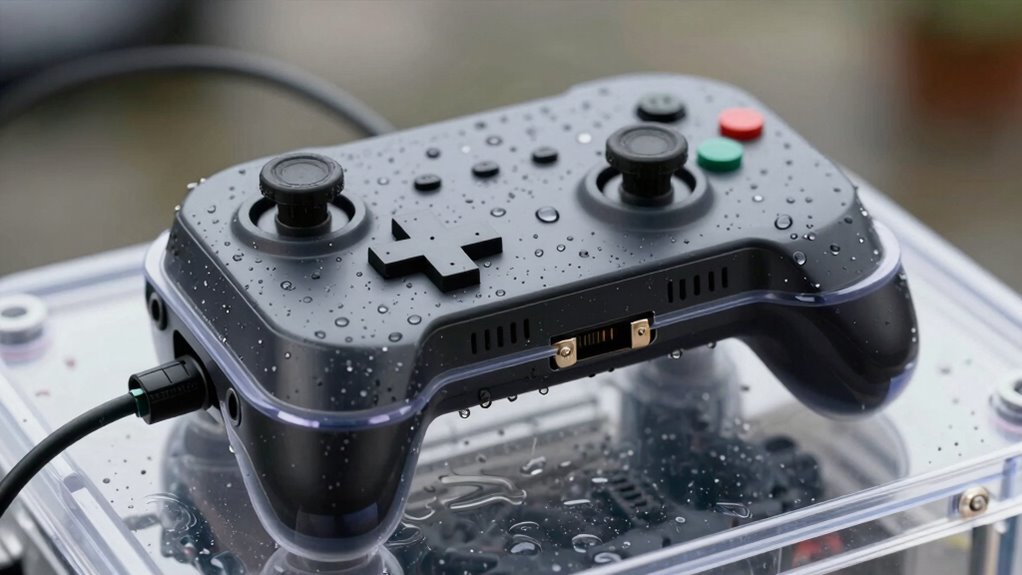
Pixel controllers are sensitive electronic devices that can easily fail when exposed to rain or moisture. If you’re using them outdoors, protecting your investment is essential. Moisture damage prevention becomes your top priority because water infiltration can short-circuit the controller, leading to costly repairs or replacements. When moisture seeps into the device, it not only risks failure but can also reduce the overall solar panel efficiency. To keep your system running smoothly, you need to enclose your pixel controllers properly, ensuring they stay dry and functional regardless of weather conditions.
Protect pixel controllers from rain and moisture to prevent failure and maintain optimal solar panel efficiency.
One of the simplest ways to protect your pixel controllers is to install them inside weatherproof enclosures. These boxes are designed to keep out rain, humidity, and dust, creating a barrier against moisture. When choosing an enclosure, look for one made of durable, waterproof material, such as plastic or metal with a high IP (Ingress Protection) rating. An enclosure with an IP65 or higher rating will effectively shield your controller from water splashes and dust, preventing moisture buildup that could damage internal components. Proper sealing around all openings, including cable entry points, is crucial to maintain the enclosure’s integrity.
Another key consideration is ventilation. While it might seem counterintuitive, enclosures need proper ventilation to prevent condensation inside. Installing small, vented covers or desiccant packs can help maintain a dry environment inside the enclosure, further reducing the risk of moisture damage. Additionally, mounting your pixel controllers in shaded areas will help keep them cool, preventing heat buildup that can accelerate moisture-related issues. Weatherproof enclosures are essential for outdoor installations, as they provide a protective barrier against environmental elements. Ensuring you select an enclosure with the appropriate waterproof rating can significantly extend the lifespan of your devices. In addition, selecting enclosures that allow for ventilation without compromising waterproofing can help maintain optimal internal conditions. Regular maintenance and inspection are also crucial for identifying potential moisture buildup before it causes damage.
Popular right now

LG 85-Inch QNED84B Mini LED 4K Smart TV (2026)

Hisense 85 U7 Mini-LED ULED 4K UHD Smart Google TV (85U7SG, 2026)

Shark HydroVac MessMaster Corded Wet Dry Vacuum and Mop (WD161)
As an affiliate, we earn on qualifying purchases.
Frequently Asked Questions
What Are the Best Waterproof Enclosures for Pixel Controllers?
The best waterproof enclosures for pixel controllers are those with high IP ratings, like IP65 or higher, offering indoor safety and reliable electrical insulation. Look for durable plastic or weatherproof metal boxes designed to withstand moisture and dust. Make sure the enclosure has sealed gaskets and proper ventilation. These features keep your pixel controllers protected from rain, preventing damage and ensuring consistent performance in outdoor displays.
How Do I Ensure Proper Ventilation Inside the Enclosure?
Think of proper ventilation as giving your pixel controller room to breathe. To guarantee airflow optimization, install ventilation strategies like small vents, fans, or breathable gaskets. Position vents at opposite ends to promote cross-ventilation, preventing moisture buildup. Keep the enclosure sealed but not airtight, allowing fresh air in and stale air out. Regularly check for condensation and adjust vents if necessary, to maintain a healthy environment inside.
Can DIY Enclosures Provide Adequate Protection From Rain?
DIY enclosures can protect pixel controllers from rain if you choose indoor placement and guarantee proper sealing. Use waterproof materials and add a tight-fitting lid or cover to keep moisture out. Consider aesthetic aspects by selecting materials that blend with your decor while maintaining ventilation. Regularly check for leaks or condensation, and improve sealing if needed, so your controllers stay dry without compromising overall look or airflow.
What Maintenance Is Required for Enclosed Pixel Controllers?
You should check your enclosed pixel controllers every few months, as electronic durability depends on regular maintenance. Clean out dust and debris, inspect seals for wear, and reapply weatherproof coatings if needed. About 80% of outdoor failures are due to water intrusion, so guarantee the enclosure remains sealed. Proper upkeep extends the lifespan of your controllers, keeping them protected from moisture and ensuring peak performance in various weather conditions.
Are There Specific Brands Recommended for Outdoor Pixel Controller Enclosures?
You should consider brands like B+B SmartWorx, Phihong, or Intermatic for outdoor pixel controller enclosures. Look for units with weatherproof coatings to withstand the elements and built-in power surge protection to prevent damage during voltage spikes. These features help guarantee your controllers stay dry and safe from electrical surges, extending their lifespan and maintaining reliable performance in outdoor environments. Always check product specs for these critical protections.
Conclusion
Now that you know how to shield your pixel controllers from rain, you’re ready to keep your displays shining bright, no matter the weather. Imagine your setup as a fortress, guarding against the storm’s assault, so your lights can dance freely without fear. With proper enclosure, rain becomes just a fleeting obstacle, not a threat. So, take action today—because your vibrant creations deserve protection, ensuring they’ll dazzle long after the clouds part.