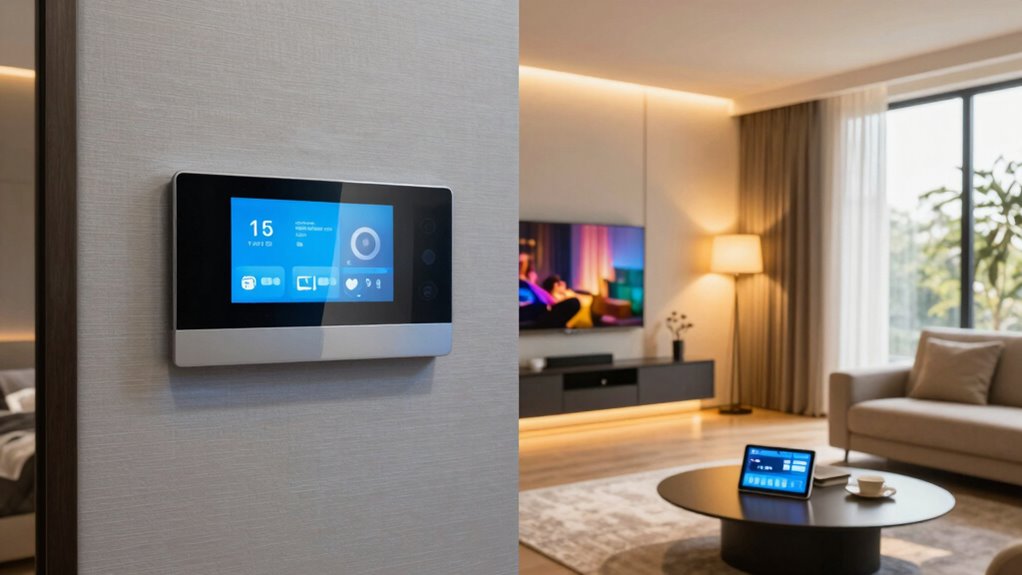

You can easily schedule lighting scenes without needing a tech background by using simple smart switches and user-friendly apps. Set up routines for mornings, evenings, or when you arrive home by customizing scenes that activate automatically based on time or occupancy. Connect your smart switches to voice assistants like Alexa or Google for hands-free control. Starting small and experimenting with one room helps you learn quick. Keep exploring, and you’ll discover how simple it is to master lighting automation like a pro.

Get decor and gifts delivered free with Prime
- Fast, free delivery on millions of items
- Prime Video, Amazon Music and more included
- Member-only deals all year
Key Takeaways
- Use smart switches and apps with intuitive interfaces to easily create and schedule lighting scenes without technical expertise.
- Integrate voice assistants for quick, hands-free scene adjustments and automation.
- Set custom scenes for different times or activities, like morning wake-up or evening ambiance.
- Automate lighting based on occupancy, light levels, or schedules to enhance convenience and energy savings.
- Start small by automating one room first, then expand as you become comfortable with scene scheduling.
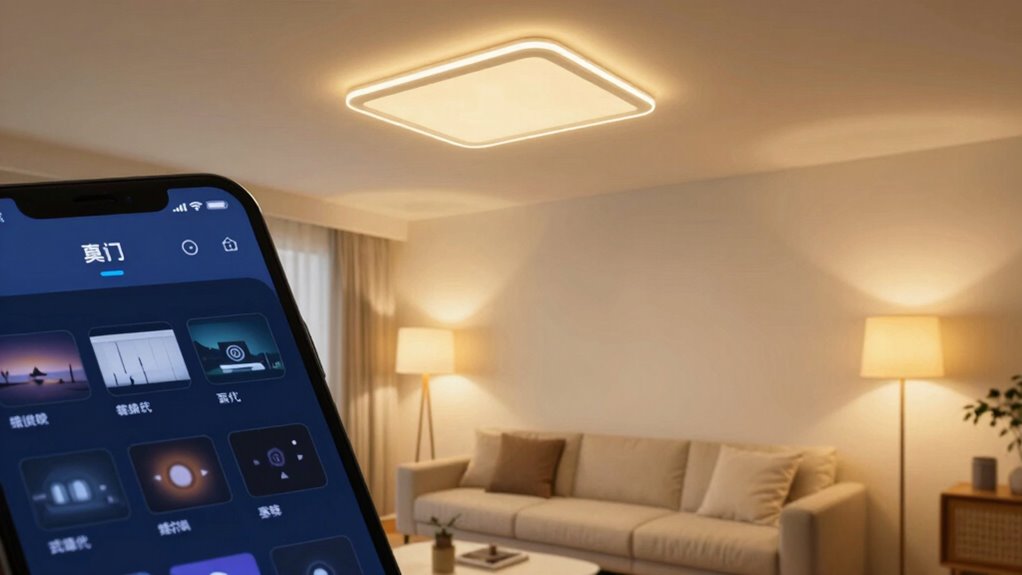
Lighting automation makes that possible, allowing you to set the mood, save energy, and control your lights with ease. You don’t need a tech degree to get started—just a bit of curiosity and some simple tools. One of the easiest ways to upgrade your lighting system is by installing smart switches. These switches replace your traditional wall switches and give you the ability to control your lights remotely or set schedules. With smart switches, you can automate routines so your lights turn on at sunset or when you arrive home, creating a seamless experience without lifting a finger.
Voice control is another game-changer in lighting automation. Once your smart switches are connected to a virtual assistant like Alexa, Google Assistant, or Siri, you can command your lights with just your voice. Want the living room to be brighter? Just say, “Hey Google, turn on the living room lights,” and it happens instantly. This hands-free control is especially handy when your hands are full or when you’re relaxing on the couch. Plus, voice commands integrate smoothly with your daily routines, making it simple to adjust lighting without fumbling around with switches or apps.
Scheduling scenes is where your lighting setup really shines. Instead of manually toggling lights throughout the day, you can create custom scenes that activate at specific times or under certain conditions. For example, you might set a morning scene that gradually brightens your bedroom lights to wake you up gently. In the evening, you could schedule your living room lights to dim automatically, setting the perfect ambiance for movie night. With a few taps on your smartphone or through voice commands, these scenes come to life, transforming your space effortlessly. Incorporating smart home technology can further enhance your automation capabilities and make managing your system even easier.
You don’t have to be tech-savvy to create these schedules. Many smart switches and automation apps feature user-friendly interfaces that guide you step-by-step. You can set rules based on time, occupancy, or even ambient light levels. Understanding biodiversity and sustainable living practices can also inspire you to incorporate eco-friendly choices into your home automation, making it a more environmentally conscious lifestyle. Interestingly, energy efficiency is a key benefit of lighting automation, helping you reduce electricity consumption while enjoying the comfort of a smart home. The key is to start small—perhaps automate just one room—and then expand your system as you get more comfortable. Over time, you’ll enjoy the convenience of having your home’s lighting adapt to your lifestyle, all without complicated setups or expensive installations.
Lighting automation isn’t just about convenience; it’s about making your home smarter and more responsive. With smart switches and voice control, you’re empowered to craft customized scenes that fit your daily routines.
Popular right now

Sony BRAVIA 5 85-Inch Mini LED 4K HDR Smart TV (K-85XR50)

Dyson Cyclone V10 Origin Cordless Vacuum

Ninja Hot & Iced XL Coffee Maker with Rapid Cold Brew, Black, CM371
As an affiliate, we earn on qualifying purchases.
Frequently Asked Questions
Can I Control Lighting Automation Remotely via Smartphone?
Yes, you can control your lighting automation remotely via smartphone. With voice control integration, you can manage your lights hands-free, even when you’re away. Plus, remote control helps you turn lights on or off, which boosts energy savings by preventing unnecessary usage. Many smart lighting systems offer apps that make scheduling and adjusting scenes simple from anywhere, giving you full control and convenience right at your fingertips.
What Are the Best Smart Lighting Brands for Beginners?
For beginners, the best smart lighting brands include Philips Hue, LIFX, and TP-Link Kasa. They offer reliable smart bulbs with easy setup and compatibility options across various smart home ecosystems. These brands provide user-friendly apps, voice control support, and versatile features, making automation simple without needing a tech degree. You’ll appreciate their affordability and seamless integration, helping you create customized lighting scenes effortlessly.
How Do I Troubleshoot Scheduling Issues in Automation?
Did you know that 30% of smart home issues stem from connectivity problems? To troubleshoot scheduling issues, start by checking your Wi-Fi and device connections. Make sure the timing adjustments in your app are correct and synchronized. Restart your smart lights and hub if needed. Troubleshooting connectivity often resolves scheduling glitches, so keep your firmware updated and avoid interference from other wireless devices for smooth automation.
Is There a Way to Integrate Lighting With Existing Home Systems?
Yes, you can integrate lighting with your existing home systems by using smart home hubs or compatible platforms that support voice control. This allows you to control lights via voice commands, making it convenient and hands-free. Additionally, integration promotes energy efficiency, as you can schedule lights to turn off when not needed or adjust brightness based on occupancy. You’ll enjoy a seamless, smarter home experience with easy control and savings.
What Is the Typical Cost to Set up Lighting Automation?
Ever wondered if lighting automation is worth the investment? Typically, it costs between $200 and $600 for basic setups, but complex systems can run higher. Your installation costs depend on the number of lights and smart features you want. This upgrade boosts energy efficiency, saving you money over time. Are you ready to make your home smarter and more efficient? The initial investment pays off through convenience and lower energy bills.
Conclusion
So, there you have it—mastering lighting automation isn’t rocket science, even if it feels like it sometimes. With a little planning and some simple scheduling, you’ll be “pro” at setting the perfect mood without breaking a sweat or needing a tech degree. Who knew that flipping switches could be so sophisticated? Now, sit back, enjoy your perfectly lit space, and marvel at how a little automation makes life just a bit easier—because, really, who doesn’t love a good shortcut?