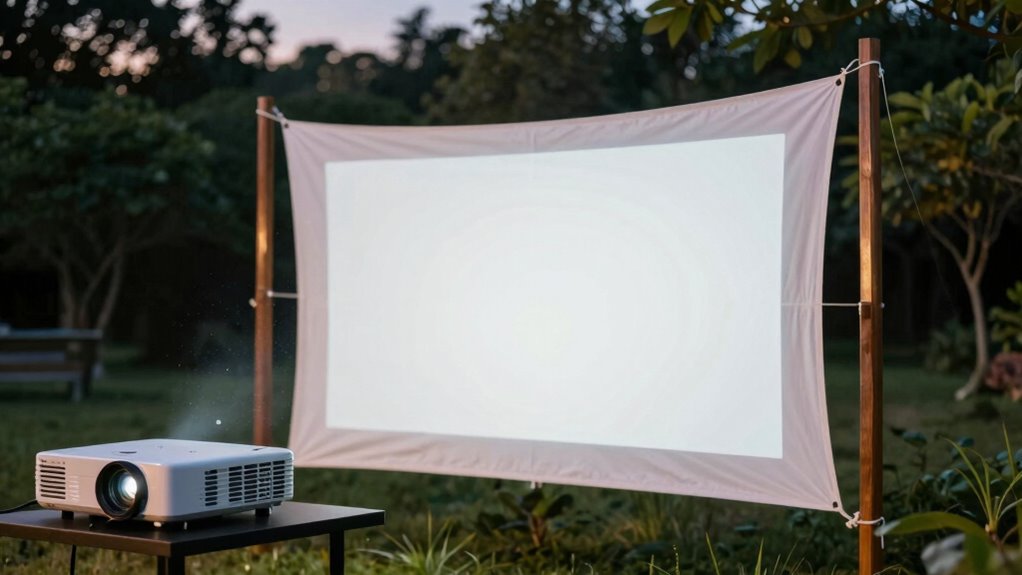

To quickly achieve sharp focus with your outdoor projector, start by positioning it at the right distance from your screen first. Dim or block ambient light to improve image clarity. Next, locate the lens adjustment control and slowly rotate it while observing the image. Use the zoom feature if needed to make focus easier. With patience and small tweaks, your image will become crisp in just 30 seconds. Keep going to discover even more tips for perfecting your outdoor display.
Key Takeaways
- Position the projector at the correct distance from the screen before adjusting focus.
- Use the zoom feature to size the image appropriately for easier focus.
- Locate and slowly rotate the lens focus control until the image appears sharp.
- Dim ambient lighting to reduce glare and enhance focus accuracy.
- Make small, incremental adjustments and wait for the image to stabilize for the best clarity.
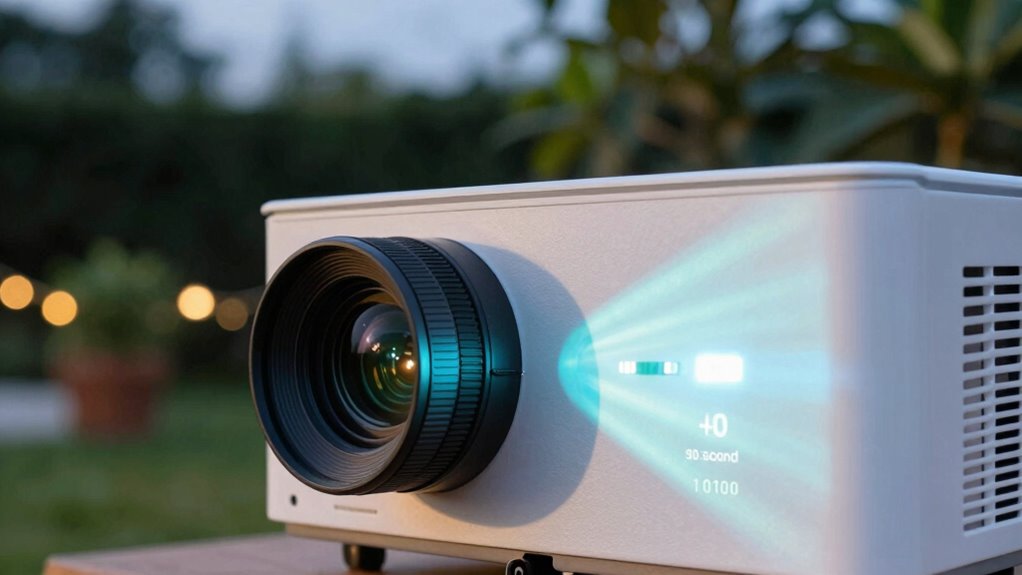
Have you ever struggled to get your outdoor projector in perfect focus? It’s a common frustration, especially when you’re enthusiastic to enjoy a clear, sharp image under the stars. The good news is, achieving crisp focus doesn’t have to be complicated. With just a quick lens adjustment, you can dramatically improve your picture quality. Before you start, make sure your projector is positioned at the right distance from the screen or wall. Once it’s in place, turn it on and take a close look at the image. If it’s blurry or fuzzy, don’t immediately tweak the focus ring; instead, consider the ambient lighting conditions first. Bright outdoor lighting or lingering twilight can wash out your image, making it seem less sharp even if your lens is perfectly adjusted. Dimming nearby lights or waiting for a darker night can help your projector produce a more vivid, focused picture.
When you’re ready to fine-tune the focus, locate the lens adjustment control—usually a ring around the projector’s lens or a small knob. Slowly rotate this control while observing the image. The goal is to find that sweet spot where details come into crisp relief, and edges are sharp and clear. Don’t rush this process. Small, incremental turns will help you avoid over-adjusting and losing focus entirely. It’s a quick method, but it requires patience. If your projector has a zoom feature, use it to fine-tune the image size before dialing in the focus, as this can make the adjustment process easier. Additionally, understanding ambient lighting effects can help you optimize your viewing conditions for the best image clarity. Making sure your environment is free of glare or reflections will further enhance the sharpness of your projected image. Keep in mind that proper environmental control can make a significant difference in image quality, especially in outdoor settings. Managing these factors thoughtfully will lead to a more satisfying outdoor viewing experience.

【Officially-Licensed APP & Native 1080P】Thinnest 1.81" Smart Mini Projector Lens LHD with WiFi and Bluetooth, Auto Focus & Keystone Portable Outdoor Projector, VOPLLS 4K Home Movie Projector Lens
- Compatible with Netflix and streaming apps: Access 1000,000+ licensed titles in 4K HDR
- Slim and portable design: Only 1.81 inches thick, lightweight and compact
- Auto focus and keystone correction: Focus in 5 seconds with 6D correction technology
As an affiliate, we earn on qualifying purchases.
As an affiliate, we earn on qualifying purchases.
Frequently Asked Questions
How Do I Adjust Focus on Different Projector Brands?
To adjust focus on different projector brands, start by using the focus ring or lens calibration feature. Some projectors have a focus lock, so make sure you release it first. Adjust the lens slowly until the image sharpens. For brands with automatic focus, disable it temporarily for manual control. Always refer to your user manual for brand-specific instructions, but generally, these steps help you get a clear, crisp image.
Can Ambient Light Affect Projector Focus Quality?
Ambient light can be like a fog that blurs your view, affecting projector focus quality. Light interference from bright surroundings reduces image clarity, making it harder to achieve sharp focus. To improve, dim the ambient light or use a darker screen. This way, your projector’s focus stays precise, ensuring crisp images even in less-than-ideal lighting conditions. You’ll enjoy a clearer, more vibrant display every time.
What Tools Can Help Fine-Tune Projector Focus?
You can use tools like lens alignment guides and keystone correction features to fine-tune your projector focus. These tools help you adjust the lens position precisely, guaranteeing sharp images even outdoors. Lens alignment guarantees the projector is properly oriented, while keystone correction corrects distortions caused by angles. Combining these adjustments allows you to achieve clear, focused images effortlessly, making your outdoor viewing experience much more enjoyable.
How Often Should I Recalibrate the Focus During Outdoor Use?
You should recalibrate your focus every time the wind howls like a freight train or the temperature shifts dramatically, which can throw off lens alignment and cause image distortion. Outdoor conditions are unpredictable, so check your focus frequently—at least every 30 minutes—to keep images razor-sharp. Don’t let environmental chaos turn your movie night into a blurry mess; stay vigilant, and your visuals will stay perfect.
Does Projector Distance Impact the Focus Adjustment Process?
Yes, projector distance impacts the focus adjustment process. As you move the projector farther or closer, you’ll need to perform lens calibration to maintain ideal image clarity. Changing distance alters the focus point, so regularly recalibrating ensures sharp images. Keep in mind that precise positioning minimizes the need for frequent adjustments, but always double-check the focus after adjusting the projector’s distance for the best outdoor viewing experience.
Conclusion
With this simple 30-second focusing trick, you’ll enjoy crisp, clear images during your outdoor movie nights. Don’t worry if the process feels tricky at first—practice makes perfect, and your setup will become faster and easier over time. Even if the light conditions aren’t ideal, adjusting your focus carefully guarantees your projector delivers sharp visuals every time. Just stay patient, and you’ll create unforgettable outdoor viewing experiences that everyone will love.