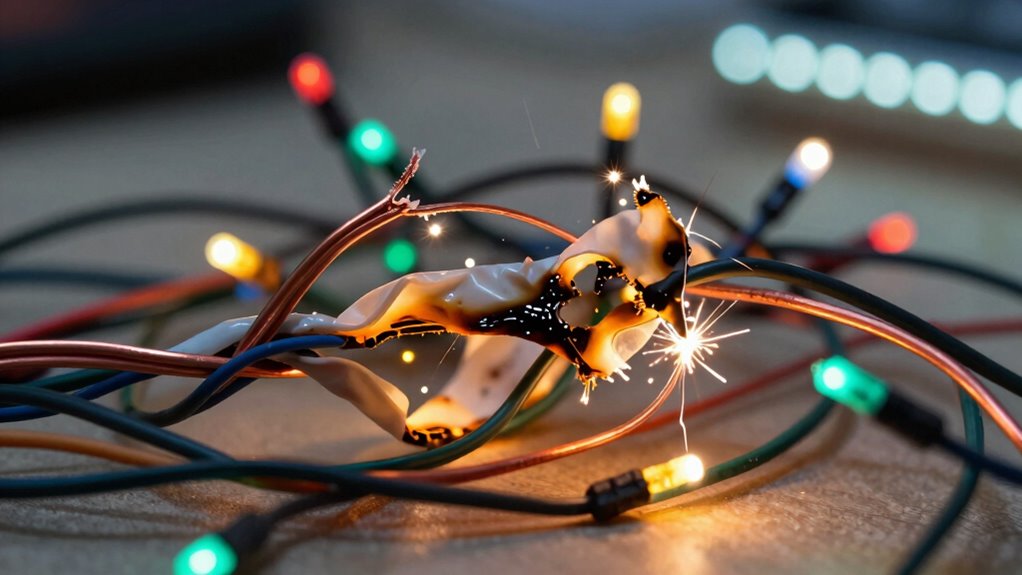

A common mistake that burns out pixel light strips is reversing the positive and negative wires, which can cause immediate damage, or overloading the power supply, leading to voltage drops and overheating. Poor wiring organization, using thin wires under load, or neglecting proper power injection worsens these issues. Ensuring correct polarity, using appropriate wire gauges, and planning your setup can prevent early failure. Keep these tips in mind, and you’ll learn how to avoid costly mistakes.

Get decor and gifts delivered free with Prime
- Fast, free delivery on millions of items
- Prime Video, Amazon Music and more included
- Member-only deals all year
Key Takeaways
- Reversing polarity (positive and negative wires) can immediately burn out LED strips.
- Overloading the power supply causes excessive current, damaging the LEDs.
- Long strips without proper power injection experience voltage drops, leading to strip burnout.
- Using thin or inadequate gauge wires under load increases heat and risks burning out LEDs.
- Poor wiring organization and improper connections can cause shorts, damaging the strips.
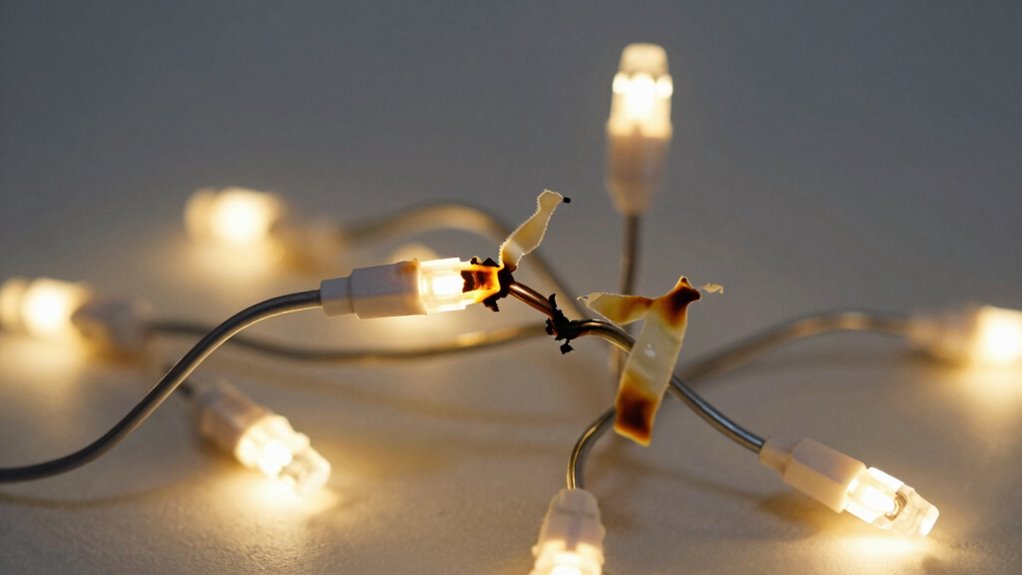
Ever wondered how to wire pixel lights for your display or project? It might seem straightforward, but skipping over essential details can lead to costly mistakes. One of the most common errors is neglecting proper wiring safety and the importance of a reliable power supply. When you’re setting up pixel lights, guaranteeing a stable power source isn’t just about lighting up your display—it’s about preventing damage that can burn out your LED strips. The first step is to choose a power supply that can handle the total current your pixel lights will draw. Overloading a weak power supply causes voltage drops and heat buildup, which can fry your LEDs or cause erratic flashing. Always match the power supply’s voltage and current capacity to your LED strip’s requirements, and consider adding a power injection point if your strip is long.
Choose a power supply that matches your LED strip’s voltage and current needs to ensure safe, reliable lighting.
Wiring safety is equally critical. When connecting the power supply, make sure the wiring is secure and insulated to prevent shorts. Use appropriately rated wire gauges; thin wires may look neat but can overheat under load, risking damage to your setup. Keep your wiring organized and away from any potential interference or moisture, which can cause shorts or corrosion over time. When connecting pixel strips, maintain consistent polarity—reversing the positive and negative wires can lead to immediate failure or unpredictable behavior. Also, avoid daisy-chaining power from a single point without proper injection, as this can cause voltage drops and uneven lighting, stressing your LEDs unnecessarily. Additionally, understanding the electrical demands of your project will help ensure a safe and efficient setup. Properly managing power distribution is crucial to avoid common pitfalls such as voltage drops and uneven brightness. Conducting a thorough wiring plan can help prevent mistakes and streamline your installation process.
To further improve safety, always double-check your connections before powering on your setup and consider using fuses or circuit breakers to protect against potential overloads. Properly managing power distribution is crucial to avoid common pitfalls such as voltage drops and uneven brightness.
As an affiliate, we earn on qualifying purchases.
Frequently Asked Questions
Can I Repair Damaged Pixel Light Strips Myself?
Yes, you can repair damaged pixel light strips yourself if you’re comfortable with electronics. Start by inspecting for broken or damaged sections, and guarantee proper power management to prevent future issues. When fixing, focus on maintaining correct color blending and secure connections. Use a soldering iron carefully to replace damaged LEDs or connectors. Properly managing power and making precise repairs will help your pixel lights work smoothly again.
What Tools Are Needed for Proper Pixel Light Wiring?
To wire pixel lights properly, you need a soldering iron, wire strippers, and a multimeter to check voltage requirements. Make certain you have the correct connector types compatible with your strips, like JST connectors or waterproof connectors. Always verify voltage levels before powering up to prevent burns out. These tools help guarantee secure, accurate connections, reducing the risk of damage and making your installation safer and more reliable.
How Long Do Pixel Light Strips Typically Last?
With proper care, your pixel light strips can shine brightly for around 50,000 hours, making them a long-lasting choice. You’ll enjoy consistent LED brightness without worrying about power consumption creeping up unexpectedly. To maximize their lifespan, avoid overloading the strips and make sure of correct wiring. When maintained well, these lights can brighten your space for years, providing vibrant displays and energy efficiency that keep your investment worthwhile.
Are There Safety Precautions for Wiring Pixel Lights?
Yes, you should follow safety precautions when wiring pixel lights. Guarantee proper voltage safety by matching the power supply to the strip’s voltage requirements, avoiding overloads. Use effective insulation techniques to prevent short circuits, which can cause damage or fire. Always disconnect power before wiring, and double-check connections for secure contact. These steps help protect both you and your lights, ensuring safe, long-lasting operation.
Can I Connect Multiple Strips to One Power Source?
Yes, you can connect multiple pixel light strips to one power source, but you need to take into account the power supply capacity to avoid overload. Check the total wattage of all strips and make sure your power supply can handle it. Proper wiring safety is essential—use appropriate gauge wiring and secure connections. Distribute power evenly along the strips to prevent voltage drops and potential damage, guaranteeing safe and reliable operation.
Conclusion
To avoid burning out your pixel lights, double-check your wiring connections and make certain you’re using the correct power supply and wiring methods. Proper wiring not only prolongs the lifespan of your LED strips but also saves you time and money in repairs. Did you know that improper wiring can cause strips to burn out within just a few weeks? Staying vigilant and following best practices can keep your lights shining bright for years to come.
Fall Picks
fall essentials
As an affiliate, we earn on qualifying purchases.