The most common mistake is overlapping or skipping addresses, causing chaos in your lighting system. To fix this quickly, power off fixtures and controller, then verify each fixture’s address matches the manufacturer’s instructions. Make sure all DMX cables are secure and undamaged. Keep a clear map of your setup and double-check settings at the start. If you follow these steps, you’ll resolve most issues in two minutes—work smarter, not harder. Keep going to learn more tips.

Get decor and gifts delivered free with Prime
- Fast, free delivery on millions of items
- Prime Video, Amazon Music and more included
- Member-only deals all year
Key Takeaways
- Verify fixture addresses match controller settings and manufacturer instructions before powering on.
- Check for address overlaps or skipped numbers and correct them systematically.
- Power off all fixtures and controller, then restart to reset addresses if issues persist.
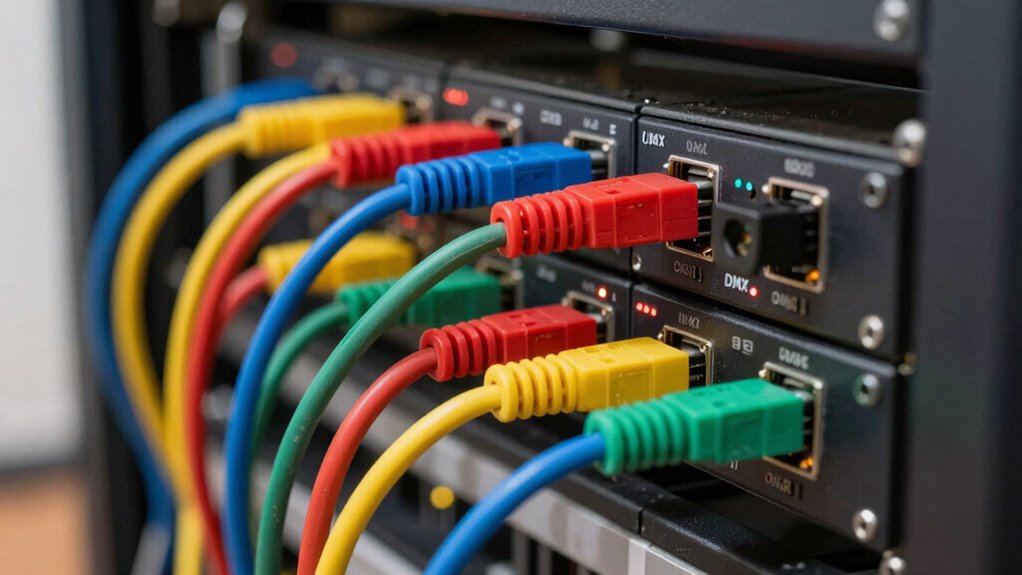
- Ensure all DMX cables are secure, undamaged, and properly connected to prevent signal loss.
- Keep a documented fixture address map for quick troubleshooting and future adjustments.
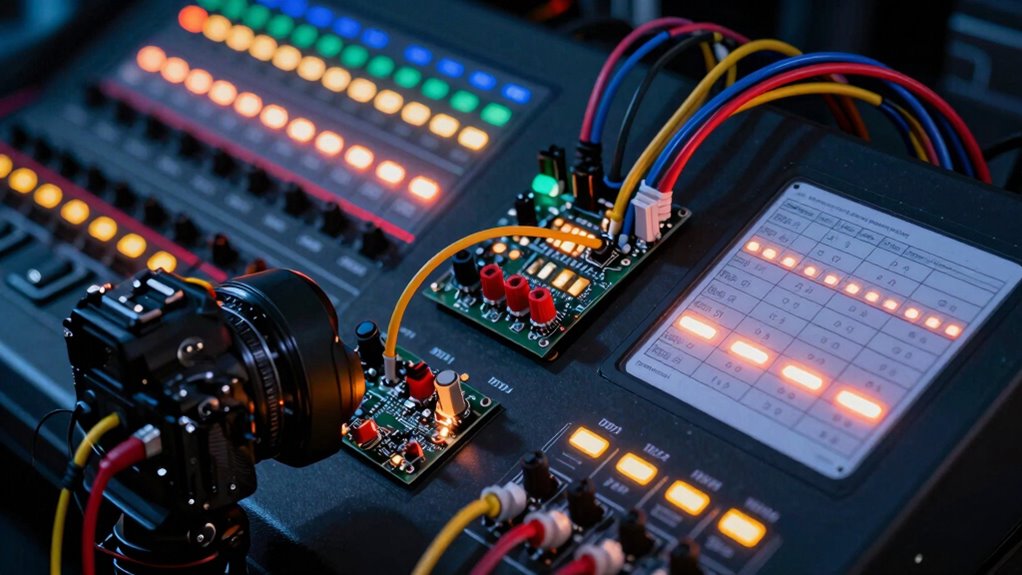
Have you ever wondered how lighting fixtures communicate and coordinate in a complex setup? It all comes down to DMX addressing, a vital step that often trips people up. When you set up DMX lighting, understanding lighting protocols and confirming proper signal troubleshooting can make all the difference. The key is to assign addresses correctly, but it’s common to get this wrong, leading to fixtures not responding or acting unpredictably.
Most issues stem from improper DMX addressing, which is why double-checking your addresses is the first thing you should do. Think of DMX addresses as the unique ID for each fixture. If two fixtures share the same address or if an address is skipped, your entire setup can become chaotic. This is where a clear understanding of lighting protocols helps. These protocols govern how data is transmitted along the DMX chain, so knowing them guarantees you’re assigning addresses in a way that’s compatible with your fixtures and controller. Proper addressing is essential to avoid these common issues. Additionally, staying updated on lighting protocol standards ensures your system remains compatible as technology evolves.
Proper DMX addressing ensures reliable communication; avoid overlaps and skipped addresses to keep your lighting setup smooth and synchronized.
To fix addressing errors quickly and effectively, start by turning off all fixtures and your controller. Then, set each fixture’s DMX address manually, following the manufacturer’s instructions. Make sure each fixture has a unique address, and verify that you’re not accidentally overlapping addresses or missing numbers. When you power everything back on, test the fixtures individually and in groups to confirm they respond correctly. If a fixture doesn’t respond, signal troubleshooting is necessary—check your DMX cables for damage, ensure connections are secure, and confirm that the fixture’s address matches what you programmed. Sometimes, a simple cable fault or a loose connection causes signal loss, so inspecting your setup can save you time.
Another common mistake is not understanding the DMX universe and starting address. Remember, each fixture’s address isn’t just a number; it determines how data packets are sent and received. If your fixtures are set to addresses that don’t align with your controller settings, they won’t respond properly. Correcting this involves verifying your controller’s starting address and ensuring it matches the fixtures’ addresses, following the lighting protocols for proper data flow. Familiarizing yourself with protocol standards can help prevent miscommunication in complex setups. Additionally, documenting your setup with clear notes can help you troubleshoot more efficiently if issues arise later. Proper documentation can also assist in future expansions or adjustments to your lighting system.
In just two minutes, you can fix most DMX addressing issues by methodically checking addresses, confirming connections, and understanding your lighting protocols. Keep a clear map of your addresses, and always troubleshoot signal issues systematically. With these steps, you’ll avoid the common pitfalls and get your lighting setup running smoothly in no time.
As an affiliate, we earn on qualifying purchases.
Frequently Asked Questions
Can DMX Addresses Be Reused Across Different Lighting Fixtures?
Yes, DMX addresses can be reused across different lighting fixtures, but only if they’re on separate DMX universes. Proper address management is vital to avoid conflicts and guarantee correct operation. Keep in mind that lighting protocols require unique addresses within a universe, so reusing addresses in the same universe causes issues. Always organize your address assignments carefully to prevent chaos and make troubleshooting easier.
What Happens if Two Fixtures Share the Same DMX Address?
Did you know that over 60% of lighting issues stem from address conflicts? If two fixtures share the same DMX address, they’ll both respond identically to control signals, causing confusion in your lighting configuration. This overlap makes it hard to identify fixtures individually, leading to unexpected behavior during a show. To fix this, assign unique addresses to each fixture, ensuring precise fixture identification and smooth operation.
How Do I Reset DMX Addresses After a Malfunction?
To reset DMX addresses after a malfunction, first power off your fixtures and lighting controller. Then, perform a lighting calibration by manually reassigning each fixture’s DMX address, ensuring fixture compatibility. Power everything back on, and verify the addresses are properly set using your controller’s address check. This quick reset fixes address conflicts, restores proper lighting control, and prevents future malfunctions caused by incorrect addressing.
Are There Specific Tools Needed to Configure DMX Addresses?
You don’t need special tools to configure DMX addresses; a basic DMX controller or software compatible with your lighting fixtures usually suffices. Make certain your controller supports the lighting protocols used by your fixtures and check their compatibility. Connect your fixtures, then use the controller’s interface to assign addresses. This process guarantees proper fixture compatibility and smooth operation, preventing address conflicts or malfunctions during your lighting setup.
How Often Should DMX Addresses Be Reviewed or Updated?
You should review your lighting protocol and address management regularly, ideally before every major show or event. Updating DMX addresses guarantees your lighting setup remains organized and prevents conflicts. Frequent checks help catch any accidental changes or misconfigurations, saving time during setup. Make it a habit to verify addresses during your pre-show prep, so your lighting system performs flawlessly every time, and address management stays accurate and efficient.
Conclusion
Now that you know the common pitfalls of DMX addressing, are you ready to apply these quick fixes and elevate your lighting game? With just a couple of minutes, you can avoid costly mistakes and guarantee your setup works flawlessly every time. Remember, attention to detail makes all the difference—so why settle for confusion when clarity is just a simple fix away? Take control, and let your lights shine perfectly.
Halloween Picks
halloween
As an affiliate, we earn on qualifying purchases.