
Wireless triggers use radio signals to control flashes and lights remotely, often operating on frequencies like 2.4 GHz to avoid interference. When you press the trigger button or activate a motion sensor, it sends a signal through the air to a receiver, firing your lights without cables. The choice of frequency affects range, stability, and interference resistance, especially in busy environments. Keep exploring to understand how these devices adapt to different setups and situations.

Get decor and gifts delivered free with Prime
- Fast, free delivery on millions of items
- Prime Video, Amazon Music and more included
- Member-only deals all year
Key Takeaways
- Wireless triggers use motion sensors or event-based signals to activate flashes remotely without physical connections.
- Activation occurs when motion or specific movement is detected by the trigger’s sensor, sending a wireless signal to the receiver.
- Signal frequency and range influence how effectively motion-triggered flashes respond in various environments.
- Proper frequency selection and environmental awareness prevent interference and ensure reliable motion activation.
- Regulatory compliance and environmental factors affect the setup and performance of wireless motion-activated triggers.

Wireless triggers have revolutionized how photographers and videographers manage lighting setups, offering a convenient way to control flashes and studio lights remotely. With a simple press of a button or a specific trigger event, you can activate your lights without needing to physically connect cables or be in direct line of sight. This technology relies heavily on remote control mechanisms, where the trigger device sends signals to the receiver attached to your flash or studio light. The key to this process is the signal frequency, which determines how reliably and quickly your trigger communicates with your lights.
When you set up a wireless trigger, you select a specific signal frequency, usually measured in megahertz (MHz) or gigahertz (GHz). This frequency acts as a communication channel, ensuring your trigger’s signals don’t interfere with other devices nearby. For example, many triggers operate on 2.4 GHz, a common frequency that balances range and interference resistance. Some high-end triggers might use different frequencies or even dual-band technology, which switches between frequencies to avoid disruptions. Your choice of signal frequency is essential because it directly impacts the stability of your remote control connection. If multiple photographers are shooting in the same location with similar triggers, choosing a different frequency can prevent cross-talk and accidental firing. Additionally, understanding the signal frequency helps optimize your setup for better performance and fewer misfires, especially when considering interference from other electronic devices. Awareness of frequency allocation can help you select the best trigger for your specific environment. Moreover, being aware of regulations surrounding wireless communication can ensure you stay compliant with local laws and avoid potential issues. It’s also important to consider the range of your wireless trigger, as this affects how far away you can operate your lights effectively.
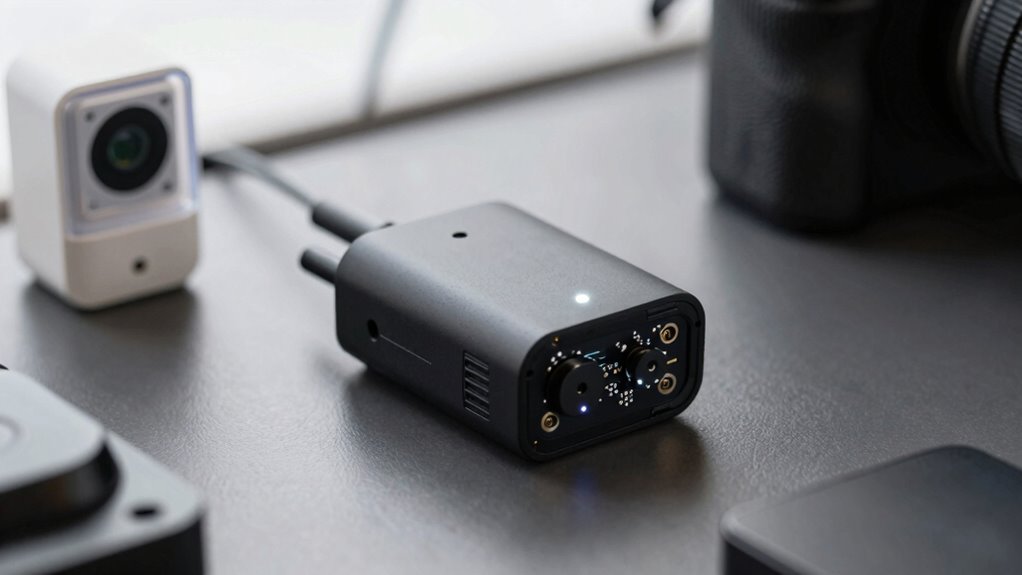
wireless flash trigger with motion sensor
As an affiliate, we earn on qualifying purchases.
As an affiliate, we earn on qualifying purchases.
Frequently Asked Questions
Do Wireless Triggers Work Outdoors in Harsh Weather Conditions?
Wireless triggers can work outdoors in harsh weather if they have a weatherproof design. You should choose models built to withstand rain, snow, and extreme temperatures. Keep in mind, weatherproofing helps prevent damage, but signal interference from metal structures or other electronics can still affect performance. To guarantee reliable operation, place triggers away from potential interference sources and check their specifications for outdoor compatibility.
What Is the Typical Battery Life for Wireless Trigger Devices?
Wireless trigger devices typically offer a battery life ranging from several months to a year, depending on their battery longevity and usage. You can extend their lifespan through effective power management, like reducing unnecessary activations and turning off devices when not in use. Keep in mind, environmental factors and device settings influence the overall battery performance, so monitoring and optimizing power use helps guarantee reliable operation over time.
Can Wireless Triggers Be Hacked or Interfered With?
Think of wireless triggers like delicate radio stations, vulnerable to signal interference and hacking. Yes, they can be hacked or interfered with, especially if lacking robust wireless security. In a busy environment, signals might get jumbled, causing false triggers or missed activations. To protect your setup, use encrypted channels and change default settings. Staying aware of potential threats helps guarantee your wireless triggers remain secure and reliable.
Are Wireless Triggers Compatible With All Camera Brands?
Wireless triggers are not compatible with all camera brands, as compatibility depends on camera compatibility and brand variations. You need to check if your camera model supports the trigger’s wireless protocol and connector type. Some triggers work well with specific brands like Canon or Nikon, but may not function with others. Always verify the trigger’s specifications and your camera’s compatibility before purchasing to guarantee seamless operation.
How Do I Troubleshoot Connection Issues With Wireless Triggers?
Did you know 30% of wireless trigger issues stem from signal interference? To troubleshoot connection issues, start by checking for potential interference sources like Wi-Fi routers or cordless phones. Next, confirm your trigger and camera are within the recommended range. Restart both devices, re-pair them if necessary, and verify batteries are fresh. Following these troubleshooting steps can often resolve connectivity problems quickly and restore your wireless trigger’s functionality.
Conclusion
Now that you understand how wireless triggers and motion activations work, imagine the possibilities. With a simple setup, you can open new creative horizons or capture moments you’d never expect. But here’s the catch—there’s always more beneath the surface, waiting to be discovered. Are you ready to push the boundaries of your photography and reveal secrets you never knew existed? The adventure is just beginning, and the next step could change everything.
Halloween Picks
halloween
As an affiliate, we earn on qualifying purchases.